How It Works

Everything you need to know about buying and selling on the world's first crowd purchasing marketplace.

How to Enter a Razz

Three simple steps and you could walk away with premium items at a fraction of the price.

1

Load Your Wallet

Add funds to your Razzall wallet. We accept Visa, Mastercard, and Interac e-Transfer. Your balance is available instantly.

2

Pick Your Razz

Browse our live listings and find something you love. Check the spot price, the number of spots remaining, and the countdown timer. Each Razz page shows you exactly what's included.

3

Buy Your Spots

Select the spot numbers you want and click "Buy Selected Spots." When the Razz fills or the timer expires, a purchaser is selected randomly using Random.org's certified RNG.

Every draw is verifiably fair

How to Create a Razz

List your tickets or items and let the crowd come to you. Four steps to go live.

1

Click "List an Item"

Hit the "List an Item" button in the navigation to get started.

2

Select Item Type

Choose between Event Tickets or Items / Collectibles. This helps buyers find your listing in the right category.

3

Fill in the Details

Add your title, description, photos, spot price, total number of spots, and expiry date. The more detail you provide, the faster your Razz will fill.

4

Go Live

Verified sellers go live instantly. New or unverified sellers are reviewed by the Razzall team first — a quick check to keep the marketplace trusted and legit for everyone.

Seller payouts are fast & secure

Tutorial Videos

Watch step-by-step walkthroughs for buying and selling on Razzall.
What is Razzall?

What is Razzall™?

Learn about the world's first crowd purchasing platform.
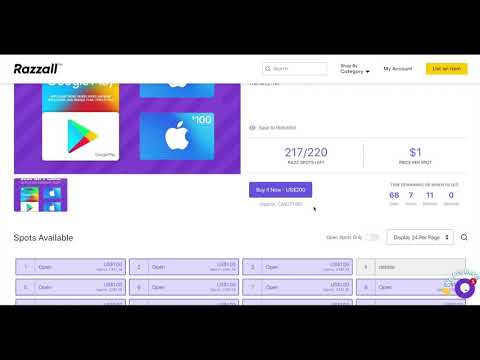
How To Purchase A Spot

How To Purchase a Spot

Step-by-step walkthrough for buying spots on a Razz.
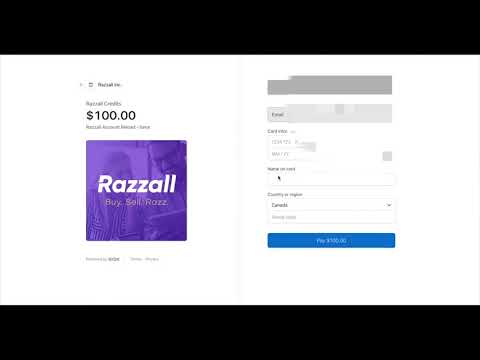
How To Load Your Wallet

How To Load Your Wallet

Add funds to your Razzall wallet so you're ready to enter.
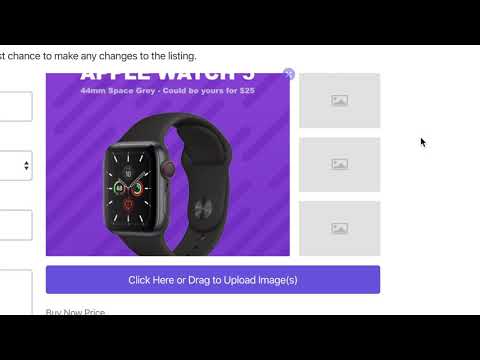
How To Create a Razz

How To Create a Razz

Learn how to list your items and go live as a seller.

Ready to Razz?